

Every track you play, remembered.
NepTunes is a Last.fm scrobbler for Mac. It keeps a record of everything you listen to on Apple Music and Spotify, and puts your music in the menu bar, and on your desktop.
4.8 ★ · 2,246 ratings · on the Mac App Store since 2015
What is scrobbling?
Every track you play gets saved to your Last.fm profile: what you played, when, and how often. Over months and years that becomes a listening history you own: your charts, your top artists, a record of what you were into and when. NepTunes can also send your listens to ListenBrainz, the open-source alternative, instead of Last.fm or alongside it.
For Spotify, Last.fm can do this itself, but you set it up on Last.fm's site, not in Spotify, which has had no such setting for years. Apple Music has no equivalent at all. NepTunes covers both, with Spotify off by default so you never double-scrobble.
A better menu bar for your music.
Scrobbling first, then everything that makes it pleasant to live with.
Built for Last.fm
More than scrobbling. NepTunes ties your listening to your Last.fm profile, and brings your stats back into the menu bar.
- Automatic scrobbling for Apple Music & Spotify
- Love in Apple Music and it loves on Last.fm too Pro
- Your profile: play count, loved tracks, artists
- Threshold you control, with an offline queue
Now playing, right in the menu bar
The current track and everything you've heard recently, a click away, with album artwork throughout.
- Now playing with full artwork
- Scrollable recently-played history
- Play, pause and skip inline
- Love the current track in one click Pro
Your track, always in the menu bar
A dedicated Now Playing item keeps the current track right in your menu bar, formatted exactly how you like. A Pro feature.
- Custom text format, your tokens
- Scrolling text for long titles
- Inline play, pause and skip
- A love button, right there
Plays well with your music.
NepTunes follows Apple Music and Spotify, and scrobbles every track to Last.fm, ListenBrainz or both.
One link, whatever they listen on
Copy a link to what you're playing and send it to anyone. It opens in their music service, not yours. A Pro feature.
- Opens in Apple Music, Spotify, Deezer and more
- Matched on the recording, so it's the version you heard
- Single tracks or whole albums
- Shows the artwork when you paste it into Messages
Glanceable feedback, then gone.
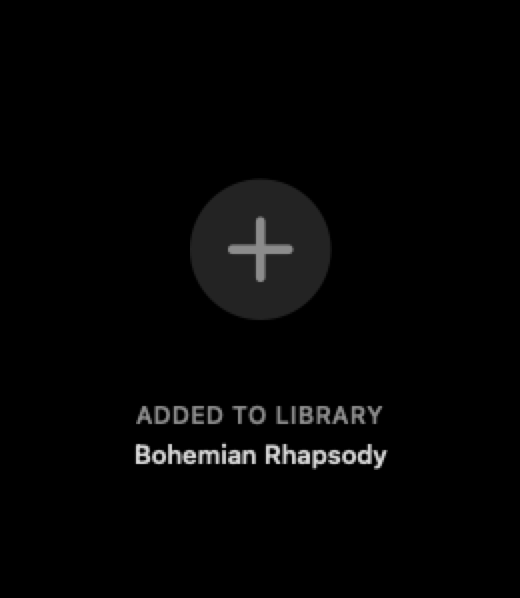
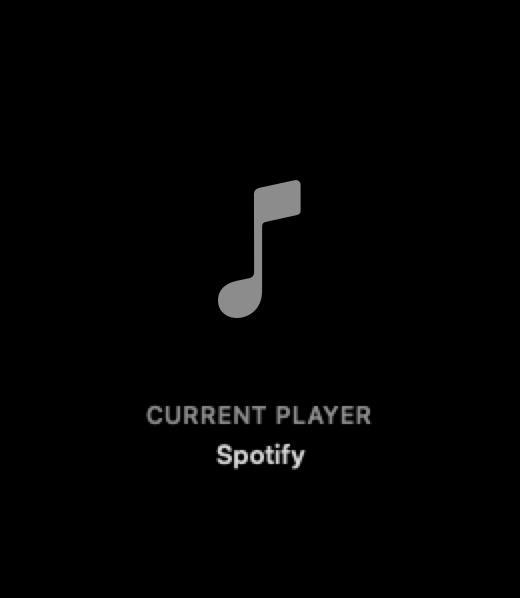
Your hotkeys answer with a tasteful on-screen HUD that fades away on its own, so you know what happened without breaking focus.
- Volume and playback changes
- Love, dislike and star ratings in Apple Music
- Added to library and player switch
- System notification when the track changes

Control it all with hotkeys
System-wide keyboard shortcuts that work without leaving what you're doing. Pick your own combinations for any of them.
- Play / pause, next and previous
- Volume up, down and mute
- Love or dislike the current track in Apple Music
- Show the current track or bring your player forward
Album artwork in your Dock
Swap the NepTunes dock icon for the current album's artwork, and click it to jump straight back to your player. A Pro feature.
- Live album artwork as the dock icon
- Click to bring your player forward
- Falls back to the app icon when nothing's playing
What's free, and what's Pro.
Scrobbling and the menu bar are free. A Pro subscription adds the customization power users want, right inside the app.
Free
In the app from the first launch.
- Scrobbling from Apple Music & Spotify to Last.fm, ListenBrainz or both
- A scrobble threshold you set, and an offline queue that holds your listens
- The NepTunes menu: artwork, playback and recent tracks
- Your Last.fm profile: scrobbles, loved tracks, artists
- The Now Playing widget, added from Notification Center in small, medium or large
- Playback and volume hotkeys, with on-screen HUDs
- Show what's playing, or bring your player forward, from any app
- Track-change notifications with artwork
Pro
Everything in Free, plus:
- Live widgets on your desktop: album art, Last.fm charts, full playback control
- Love on Last.fm, plus dislike and star ratings in Apple Music
- Share any track anywhere: one link that opens on their service
- Cleaner scrobbles: tidier titles, and the right album artist
- Animated album covers, and album art as your Dock icon
- The current track in your menu bar, formatted your way
- Hotkeys to switch player and add the track to your library
- A Top Albums grid, plus similar artists and tracks, from Last.fm
Ready to listen better?
Free on the Mac App Store. Unlock the rest with Pro, right in the app.
Requires macOS 26 or later.
